
Microsoft Teams vs Teamogy: when chat goes missing and starts slowing down the pace of a company delivering client projects
10 MIN READ
Microsoft Teams is a great tool for quick agreements. In companies that deliver client projects and report time (whether they bill hourly, flat rate, or a combination), but as they grow, you often encounter the same problem: important information remains “somewhere in the chat” – in threads, in chats, channels, or between attachments – and after a few weeks it is no longer easy to find out exactly what was agreed upon.
This is not just an inconvenience. Unmonitored communication slows down the pace of growth: people ask more, search more, delegate work more poorly, things are overlooked more often, and management loses confidence in what is really happening in projects – without constant „asking”.
In this article, we’ll compare the approach of Microsoft Teams and discussions/chats in Teamogy. Not to bash Teams, but to clarify when chat is enough — and when you need communication to be tightly coupled with projects, tasks, and documents (and connected to the rest of the business: CRM, time tracking, invoicing, reporting).
Who is this comparison for?
For companies that deliver projects and services to clients and typically address:
- multiple projects in parallel,
- capacity planning,
- time tracking,
- invoicing (hourly / flat rate / combination),
- and the need to have decisions traceable over time.
When Microsoft Teams is enough (and when it starts to hurt)
Teams is usually enough when…
- communication is mainly internal and general (quick agreements, meetings, announcements),
- there are fewer project orders and the context stays in people’s heads,
- searching for older decisions is more of an exception.
It starts to hurt when…
- you have dozens of parallel client projects and they are still growing,
- key client decisions (assignments, changes, approvals) are made in the chat,
- onboarding new people means „going through the history”,
- The work is submitted via a summary in the chat and no one is sure that everything has been submitted,
- and most importantly: communication is not tied to a specific project/task/document, so it is „somewhere”, but not where you need it.
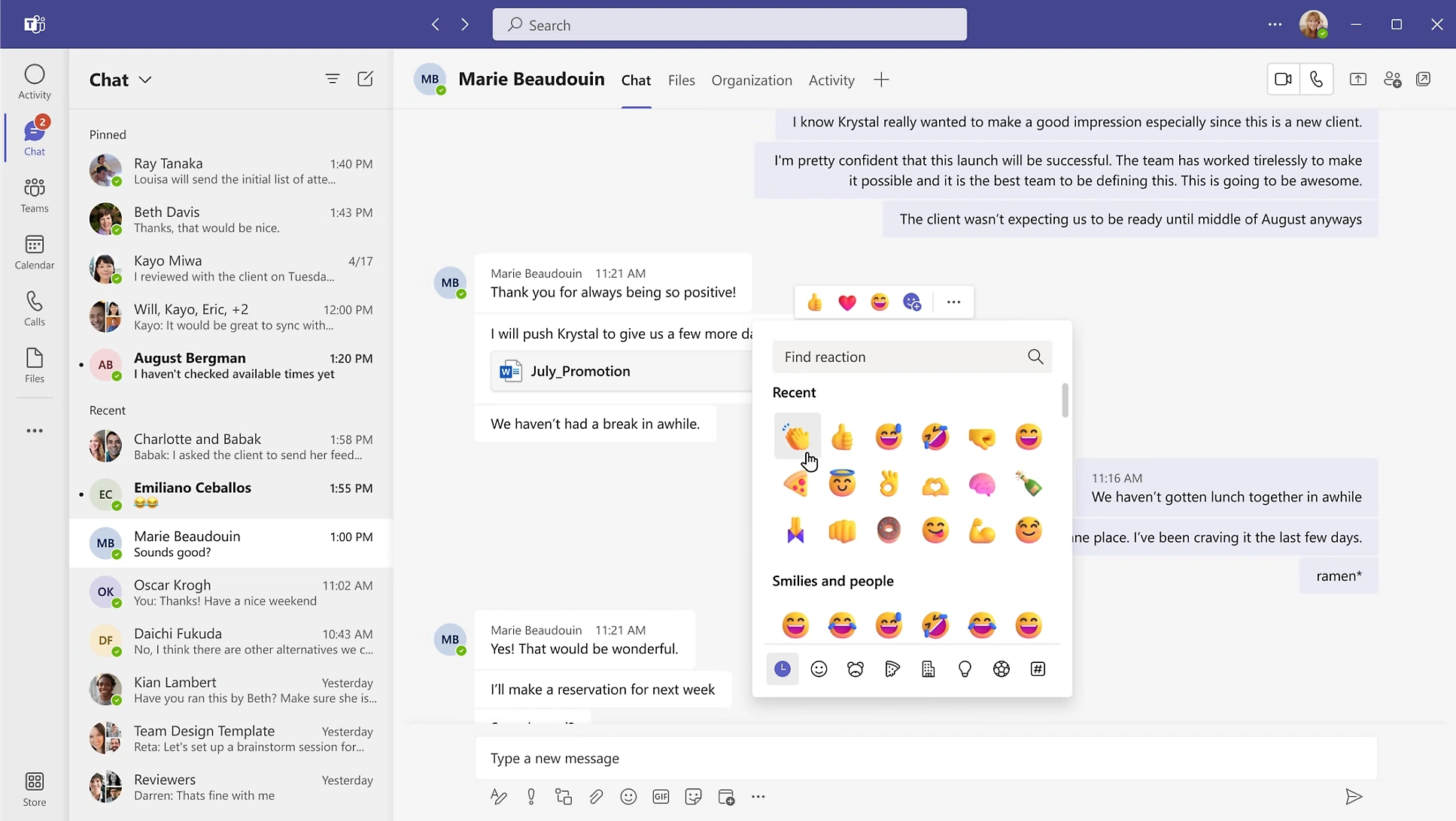
Important: Teams is great for communication. It’s just not typically built as a „single point of truth” for a company that delivers client projects and reports time. .
Why a company with projects and contracts needs communication paired with work
When communication is not firmly connected to the order or project, task and documents, 3 known impacts arise:
- Overhead is growing faster than it needs to
More inquiries, more „send it to me”, more time spent searching. - The risk of oversight increases (and with it the loss of margin)
More work „off the books”, rework, unclear approvals. - Management is losing confidence and decision-making is slower
Without collecting information, it is not easy to say „what is happening” and „what is threatening”.
Companies that deliver client projects or orders need the project to have a clear flow:
CRM → order → tasks → time & costs → invoicing → reporting/P&L.
And communication is part of this flow, not something besides it.
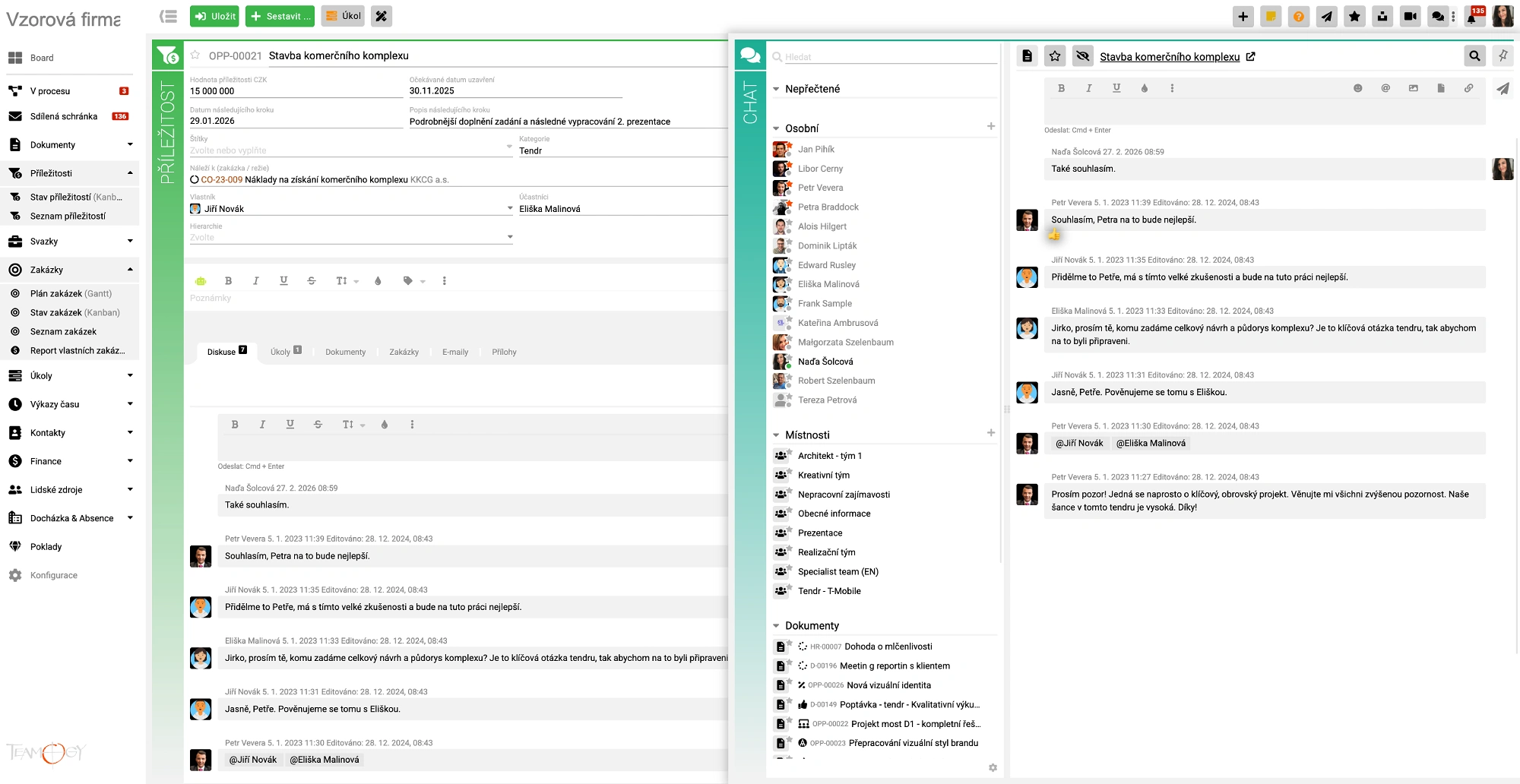
Microsoft Teams vs Teamogy: a fair comparison for companies on client projects
1) Information organization: by people vs. by projects
- Microsoft Teams: communication is primarily organized by teams/channels and people.
- Teamogy: communication is organized by work — opportunity / order / task / document.
The difference in practice: when you open a project or order, you want to be sure that you will find everything important there (not that you will have to hunt for it in the channels).
2) Traceability: finding the message vs understanding the decision
- Teams: you can find a message, but after a while the context is often missing: what it was about, what came of it, who took it over.
- Teamogy: discussions and attachments are directly next to the project/task/document, so you can find not only the „text” but also the context.
Impact: less “where is it?” → faster pace → less overhead.
3) Handing over work: “scroll through” vs. clear next step
- Teams: handing over often means forwarding a thread or writing a summary.
- Teamogy: communication is with the entity that has responsibility and connections (e.g. tasks), so handover is not about people’s memory, but about the system.
4) Business connection: chat next to the process vs chat in the process
- Teams: communication is typically outside of CRM, time tracking, invoicing, and reporting.
- Teamogy: communication is in flow from lead to invoice — and thus helps manage the company, not just the agreement.
How Teamogy solves internal communication for client projects compared to Microsoft Teams
Internal communication (discussion) directly on orders and tasks
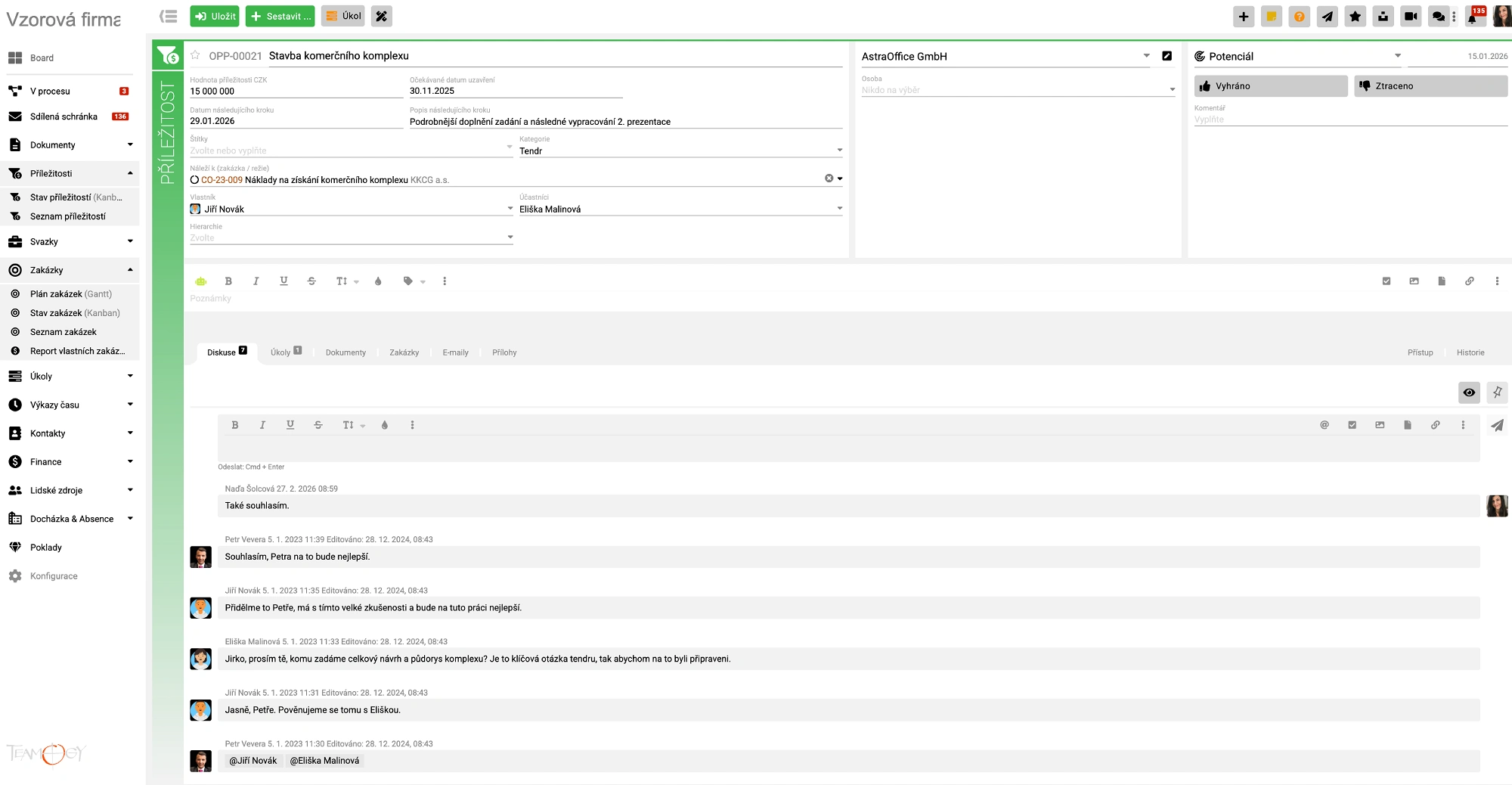
In Teamogy, users can share posts and upload attachments directly to a job, task, or document.
This makes communication traceable where work is created — and nothing important gets lost.
Notifications that lead to the right place
Each participant in the contract can receive a notification in the system, on their mobile phone or by email. And most importantly: they can open the exact document/task they belong to from the notification.
„Treasures”: company know-how in one place
Internal procedures, manuals, and guidelines are key to getting people on board quickly and delivering consistently. Teamogy supports their creation, ordering, and authorization — so the team doesn’t have to „figure out where everything is.”
Quick check: is Microsoft Teams enough for you, or is it holding you back?
Answer YES/NO:
- Can you find the client’s decision on a specific order within 30 seconds?
- Do you see communication, attachments, tasks, and responsibilities all together for the order?
- Can you deliver a project without „going through the chat”?
- Does the communication have a connection to CRM/time/invoicing to help management?
- Does management have an overview without collecting information and without asking questions?
If the answer is „NO” often, it’s not that Teams is bad. It’s that chat is not the same as communication related to client projects and their economics.
Do you want to see what communication looks like for orders and tasks in Teamogy?
The most frequently asked questions of companies that handle projects and contracts
Is Microsoft Teams suitable for companies that deliver client projects?
Yes – Microsoft Teams is great for quick meetings and team communication. The limits appear when you need to make long-term decisions and communicate in the context of projects, tasks, and documents.
Why is communication traceability so important?
How does Teamogy handle communication regarding orders?

NAĎA ŠOLCOVÁ
Naďa is a member of the management team for AD-IN-ONE Europe. She specializes in coaching and marketing communication. She is a certified coach of ICF and ČAKO and the holder of the Direct Marketer of the Year award bestowed by the ADMEZ Association. She has been involved in marketing for over twenty-five years and coaching for the last seven years. In her free time, she enjoys sailing and is an active fan of modern gymnastics, which she participated in during her youth.
You might be interested in

How to Create a Truly Secure Password
Let’s take a closer look at how to ensure your data remains properly password-protected and cannot be misused to harm your organization.

Marco BBN uses Teamogy daily for a real-time overview of the agency.
This year marks 30 years since the brothers Pavel and Petr Marek founded the Marco BBN agency, a relatively unique agency on the Czech market, as its specializations include, among other things, B2B marketing, which has many specifics.
We talked to one of the agency’s founders and its Managing Director Pavel Marek about marketing know-how for B2B clients, interesting case studies, and how membership in the BBN network or the daily use of the Teamogy system helps the agency. And we looked a bit into the near future.

Vrei mai mult timp, energie și bani?
Timesheet-ul sau completarea lui nu este tocmai cea mai populară activitate în rândul angajatilor din agenții. Este inteles mai bine de catre managementul de vârf al agențiilor, dar înainte de a mă concentra pe o apărare teoretică a motivului pentru care ar trebui să ne dorim timesheet-ul, voi menționa două exemple din experiența mea în agenție. Timesheet-ul completat corect este prietenul vostru in afaceri.

Fiți „IN” în timp ce sunteți „OUT OF OFFICE”
Din fericire, pandemia este în declin, datorită eforturilor masive de vaccinare din multe țări. Acest lucru le permite, de asemenea, angajaților să se întoarcă la birouri. Cu toate acestea, pandemia a schimbat viziunea asupra condițiilor de muncă, care implică lucrul de la ori de câte ori este posibil.
Localizarea sofisticată a Teamogy
Teamogy devine un instrument esențial de zi cu zi în companiile din întreaga lume. De ce are succes în obținerea de clienți în multe țări? Și cum arată mai exact adaptarea unui sistem la o anumită piață?

Țineți facturarea sub control
Timesheet-ul sau completarea lui nu este tocmai cea mai populară activitate în rândul angajatilor din agenții. Este inteles mai bine de catre managementul de vârf al agențiilor, dar înainte de a mă concentra pe o apărare teoretică a motivului pentru care ar trebui să ne dorim timesheet-ul, voi menționa două exemple din experiența mea în agenție. Timesheet-ul completat corect este prietenul vostru in afaceri.

Do It Smart – Păstrați documente inteligente în compania dvs.
Oamenii creează zilnic multe documente diferite în cadrul unei companii. În același timp, ei primesc o mulțime de documente.

Întreaga companie la doar câteva click-uri distanță
Oamenii creează zilnic numeroase documente diferite în cadrul unei companii. În același timp, aceștia primesc o mulțime de documente.

Munca la distanță – se aplică în cazul companiei dumneavoastră?
Munca la distanță – o tendință în creștere în prezent. Se aplică la compania dumneavoastră? Și dacă nu, nu este păcat?
Don’t miss interesting articles and tips
If you want to be among the first, please enter your email. We will always try to send you quality and interesting content.